toPDF icontoPDFDownload

Research summary workflow

Convert research notes to PDF on iPhone.

Use this workflow when raw reading notes need a cleaner, more structured format for sharing, review, or study.
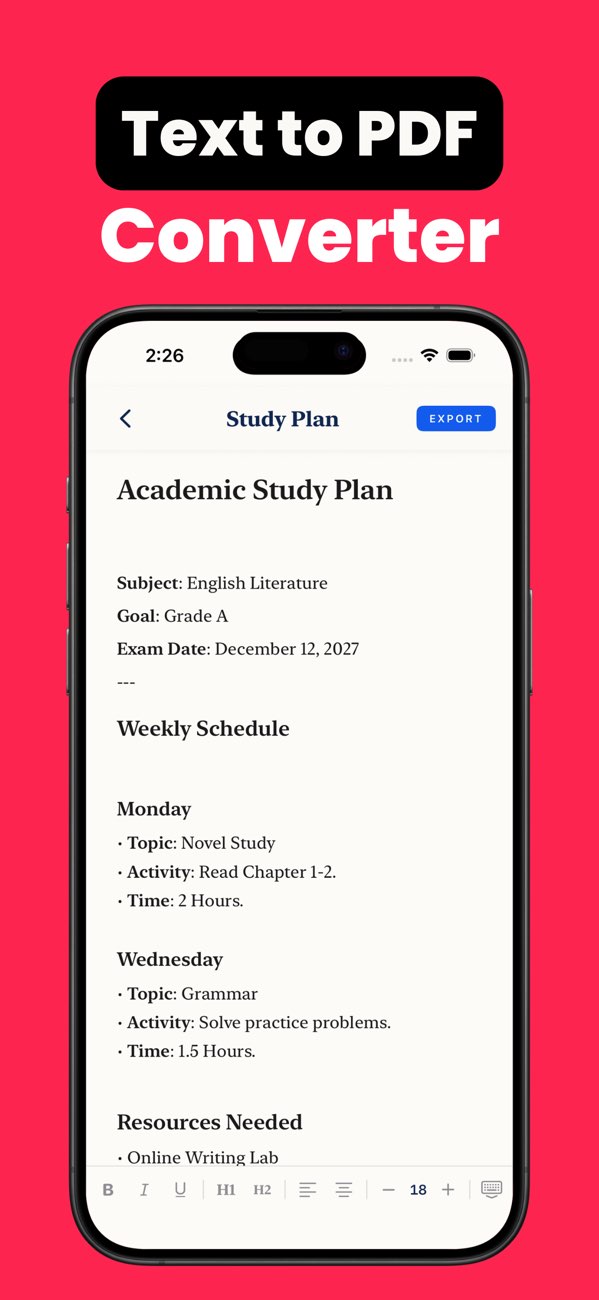
toPDF research notes workflow

Step-by-step workflow (about 4 minutes)

  1. Group notes by topic or source before formatting.
  2. Add headings for each theme, article, or paper.
  3. Separate your observations from copied source notes.
  4. Use bullets for findings and short paragraphs for explanations.
  5. Preview and export once the structure is easy to scan.

Copy-ready research structure

Heading

"Topic or source title."

Evidence block

"Key findings, supporting points, source note."

Own analysis

"Short takeaway or implication beneath each section."

Quality checklist before export

Common mistakes and quick fixes

No distinction between sources

Add source headings or labels before export.

Too many tiny fragments

Merge related notes under broader headings for readability.

No summary takeaway

Add one short conclusion line after each section so the PDF is more useful later.

Frequently asked questions

Can I export research notes as PDF on iPhone?

Yes. toPDF is useful for turning rough text notes into a more organized research document.

How should research notes be structured before PDF export?

Group by topic or source, then separate findings, evidence, and your own analysis.

Why make research notes into PDF?

PDF makes the notes easier to archive, share, and review consistently.

Run this research-note workflow in toPDF.

Install toPDF and organize research text into a cleaner PDF you can actually revisit.