toPDF icontoPDFDownload

Meeting summary workflow

Convert meeting notes to PDF on iPhone.

Use this guide when you need cleaner meeting records for clients, teammates, or follow-up documentation.
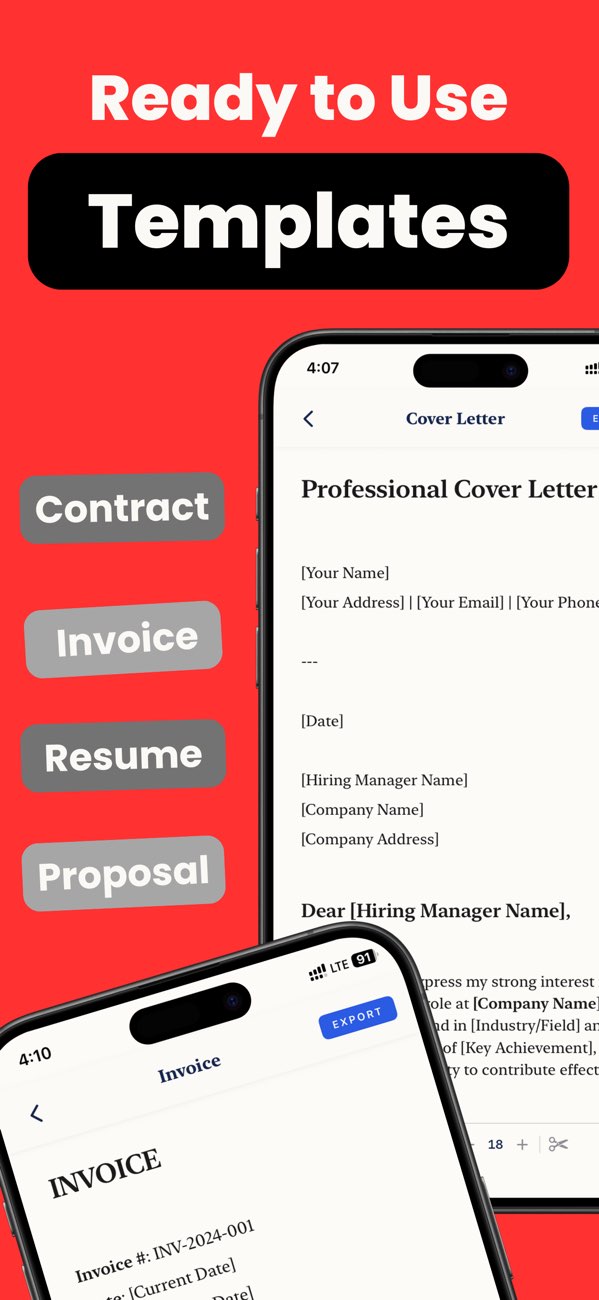
toPDF meeting notes workflow

Step-by-step workflow (about 4 minutes)

  1. Start with meeting title, date, and attendees.
  2. Separate discussion notes from action items.
  3. Use short headings for agenda sections.
  4. Review the PDF flow so action items do not get buried.
  5. Export and share the final file after a quick proofread.

Copy-ready meeting structure

Header

"Meeting title, date, attendees."

Main body

"Agenda topic, discussion summary, decision made."

Follow-up block

"Action item, owner, deadline."

Quality checklist before export

Common mistakes and quick fixes

Notes and action items mixed together

Split them into separate sections before export.

No ownership on tasks

Add owner names and deadlines so the PDF is usable after the meeting.

Long notes with no headings

Use short agenda labels to improve scanability.

Frequently asked questions

Can I create a meeting-notes PDF on iPhone?

Yes. toPDF can turn raw notes into a cleaner summary document with layout controls.

What should I include in meeting-notes PDFs?

Title, attendees, decisions, and action items are the minimum useful structure.

Why export meeting notes as PDF?

PDF makes the summary easier to share consistently across devices and teams.

Run this meeting-notes workflow in toPDF.

Install toPDF and turn raw meeting notes into a cleaner PDF your team can actually use.