Opening paragraph
I am applying for [Role] at [Company]. I am drawn to [specific reason], and my background in [skill/domain] aligns with your needs.
Cover letter PDF workflow on iPhone
Use this guide to draft faster, stay role-specific, and export a submission-ready cover letter PDF directly from toPDF.
I am applying for [Role] at [Company]. I am drawn to [specific reason], and my background in [skill/domain] aligns with your needs.
At [Previous Team], I [action], resulting in [measurable outcome]. This experience maps directly to [job requirement].
I would welcome the opportunity to discuss how I can contribute to [team goal]. Thank you for your time and consideration.
Replace broad statements with one concrete reason tied to the company or role.
Keep focus on role relevance and evidence, not full career history.
Add a clear next-step sentence instead of ending with only "Thanks".
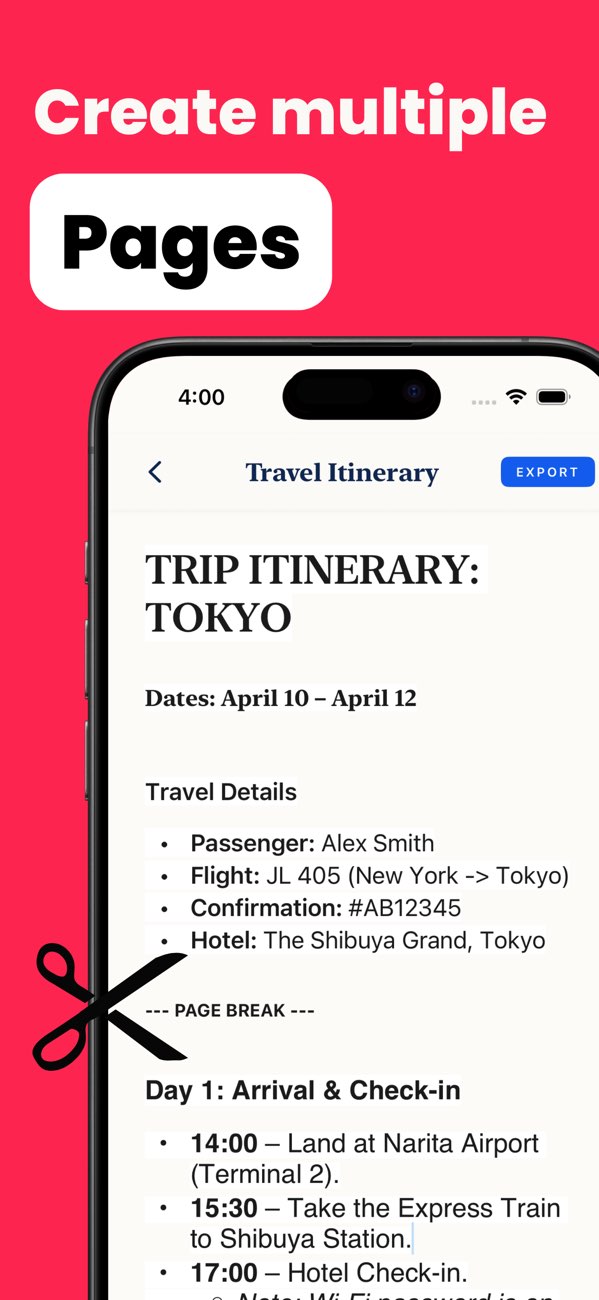
Draft your letter in toPDF, review spacing and wording, then export as PDF.
Aim for one page with 3 concise paragraphs and role-specific examples.
Use a base draft, but customize opening and evidence for each job posting.
Install toPDF and export clean, role-specific cover letter PDFs directly from iPhone or iPad.