Text to PDF Converter for iPhone and iPad
Convert text to PDF on iPhone in minutes.
toPDF is a text to PDF app for iPhone and iPad. Start from templates, format your content, choose export settings, and generate polished PDFs offline with optional password protection.
A simple 4-step PDF workflow
From template selection to secure export, each screen is built for fast, polished output.
Built for everyday document work
Use the same app flow across personal, academic, and business docs.
Career documents
Create resumes and cover letters with formatting that looks ready to send.
Freelance operations
Draft invoices, statements of work, and proposals with fewer export steps.
Study and planning
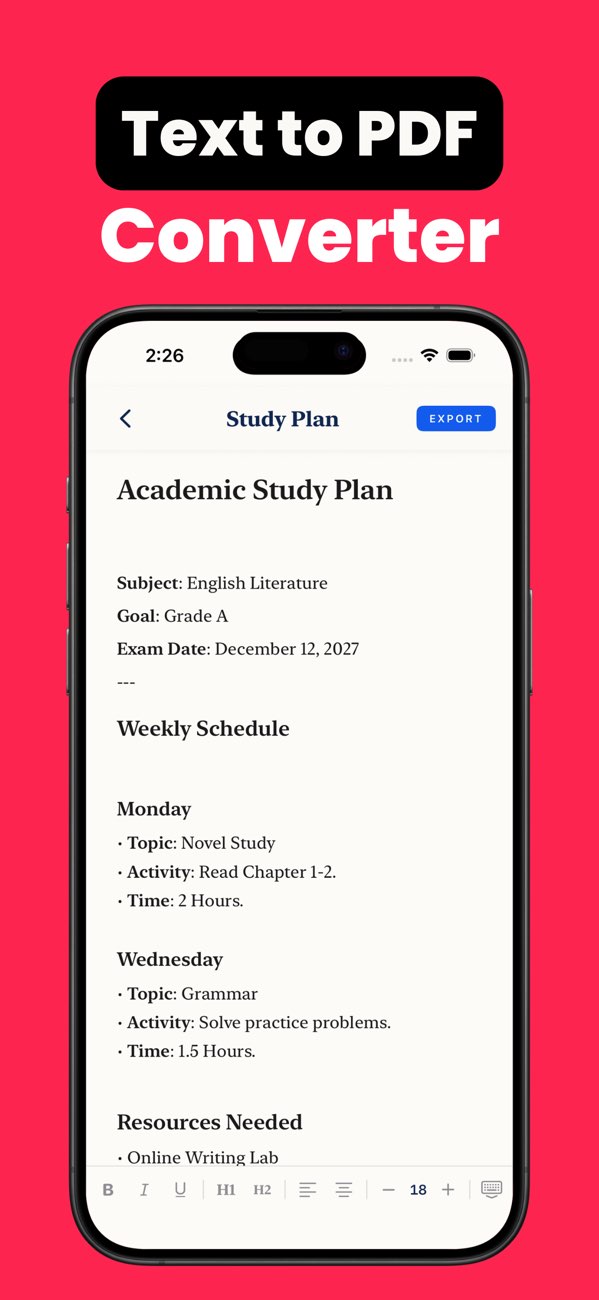
Convert class notes, plans, and structured text into clean shareable PDFs.
App screens
Key screens across template setup, security, export settings, and final output.
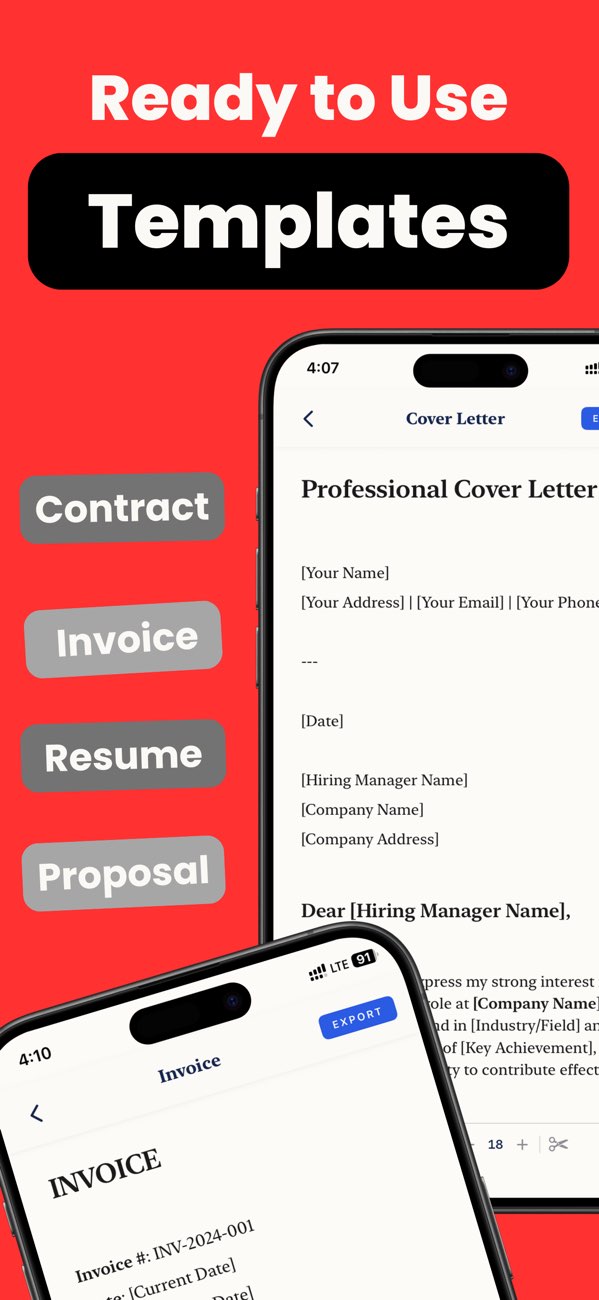
Ready-to-use templates
Build common document types faster with practical starter formats.
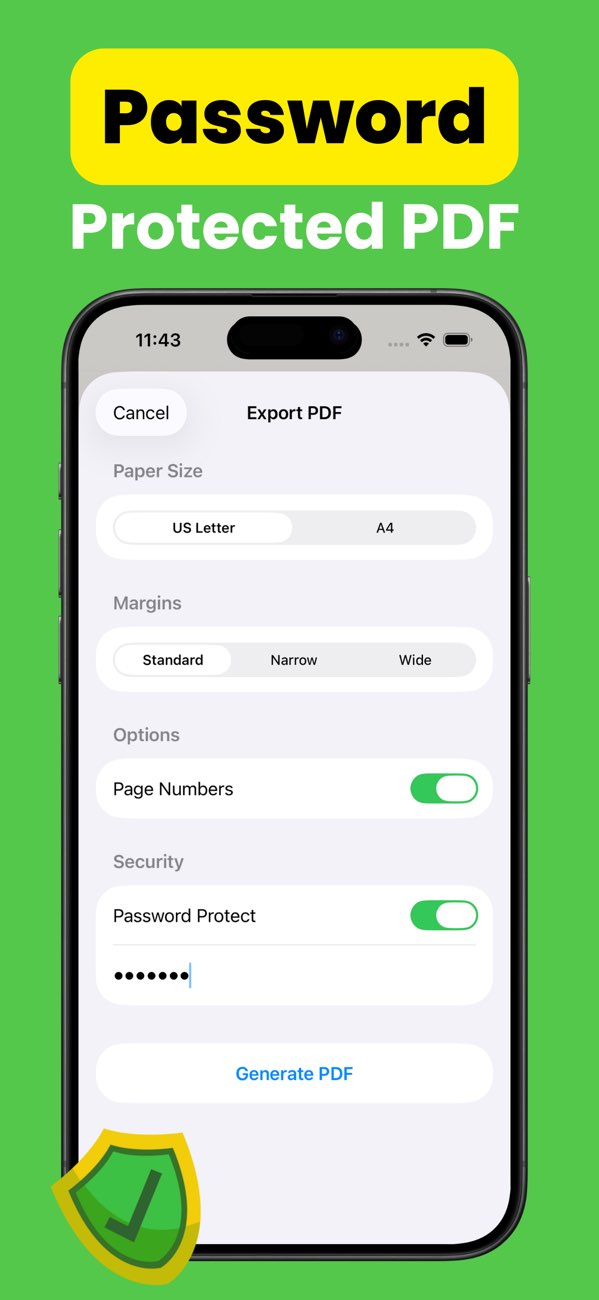
Password protection
Keep confidential files secure before you export and share.
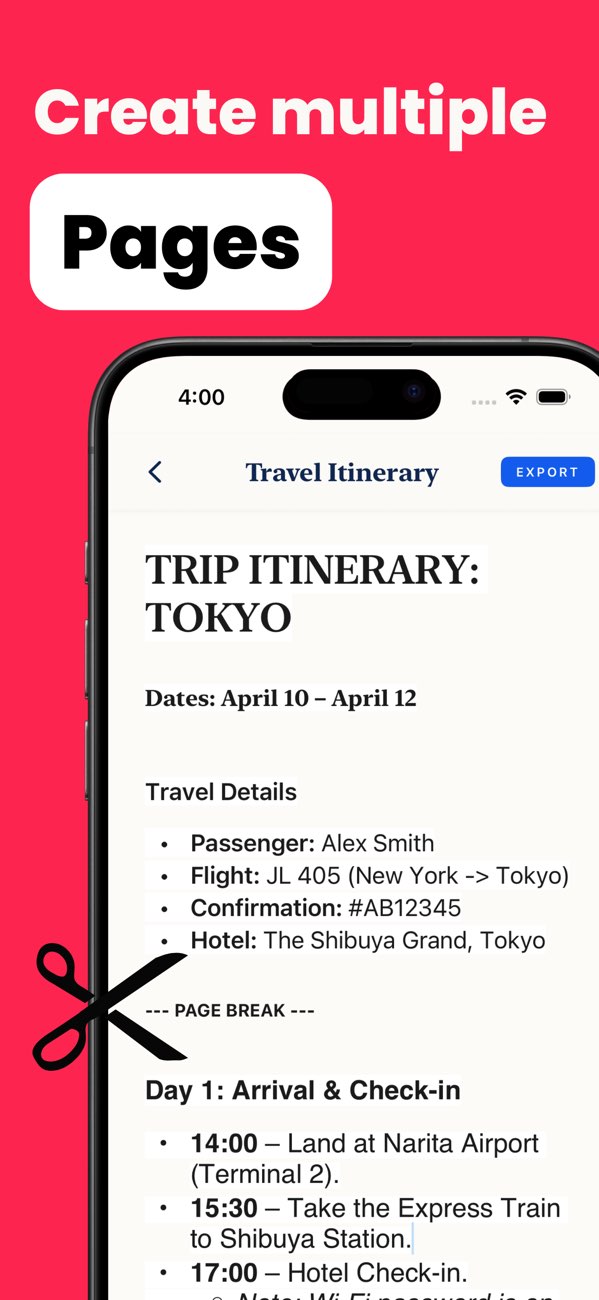
Output controls
Fine-tune page size, margins, and numbering for professional output.
Final PDF result
Export finished docs that are easy to send, store, and print.
Common queries this page answers
- How do I convert text to PDF on iPhone? Use toPDF templates or a blank page, format your text, then export as PDF.
- Can I password-protect a PDF on iPhone? Yes. toPDF includes password protection during export.
- Does toPDF work on iPad? Yes. The app is compatible with iPhone and iPad.
- Can I choose A4 or US Letter? Yes. toPDF supports both paper sizes and margin controls.
toPDF use-case pages
Explore focused workflows for specific jobs like resumes, invoices, proposals, notes, and secure PDF exports.
- Convert Resume to PDF on iPhone
- Convert Invoice to PDF on iPhone
- Convert Cover Letter to PDF on iPhone
- Convert Proposal to PDF on iPhone
- Convert Notes to PDF on iPhone
- Convert TXT File to PDF on iPhone
- Convert Journal Entry to PDF on iPhone
- Convert Meeting Notes to PDF on iPhone
- Convert Research Notes to PDF on iPhone
- Convert Statement of Work to PDF on iPhone
- Password Protect PDF on iPhone
- View all toPDF use cases
Frequently asked questions
What does toPDF do?
toPDF helps you convert text to PDF on iPhone and iPad with templates and export controls built for clean results.
Does it work offline?
Yes. toPDF follows an offline-first workflow for writing, editing, and export tasks.
Can I protect exported PDFs?
Yes. You can add password protection during export for sensitive document sharing.
Does toPDF support iPad and iPhone?
Yes. toPDF supports iPhone and iPad on iOS 17.6 or later.
Download toPDF and ship cleaner PDFs from your phone.
Install toPDF from the App Store and convert text into professional PDF files in a few taps.