
Room setup
Reduce ambient noise as much as possible so note locking stays stable.
Field workflow guide
An iPhone can support acoustic piano tuning if you use a workflow built for note stability, stretch behavior, and repeatable session records.
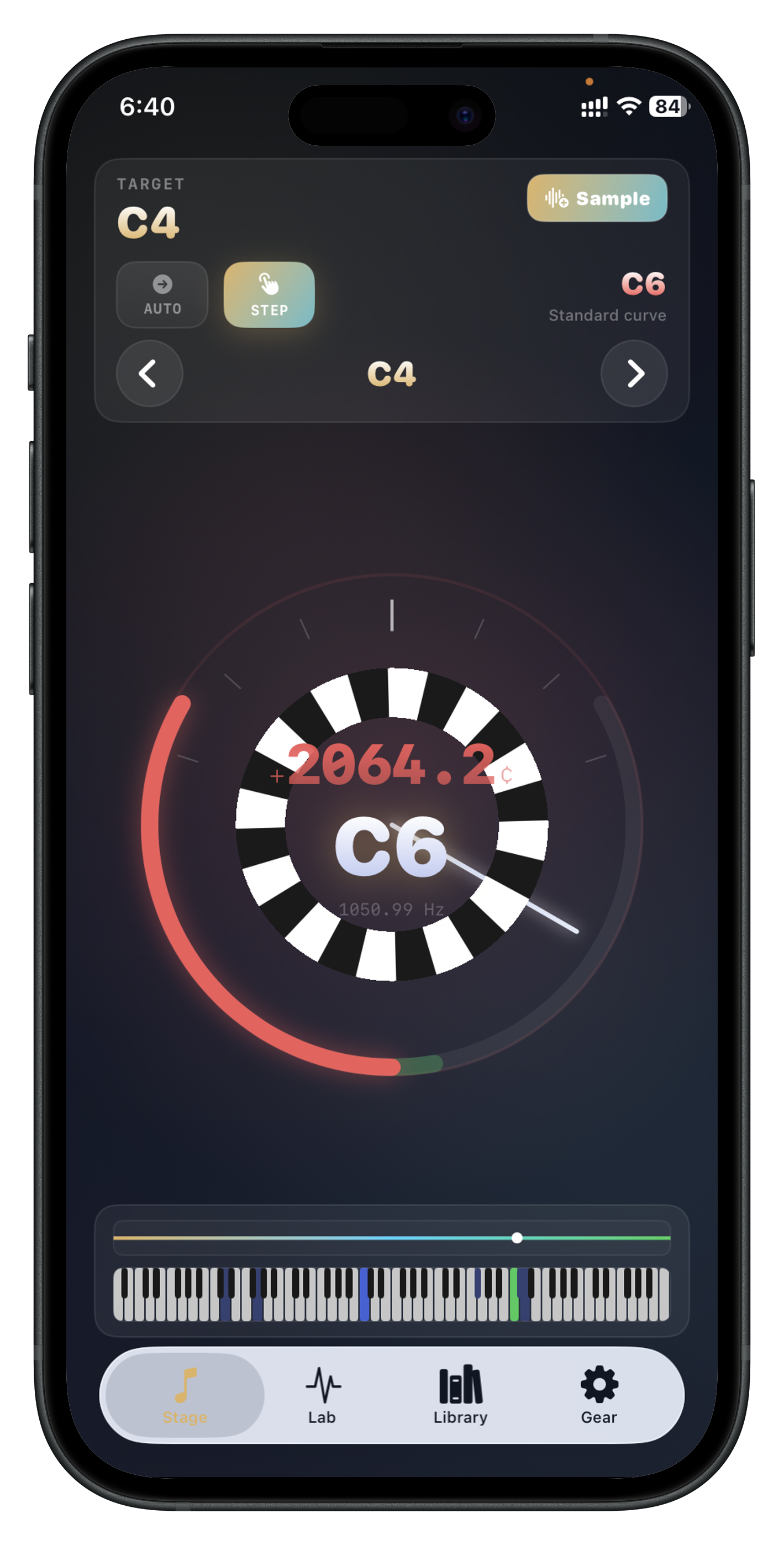
Reduce ambient noise as much as possible so note locking stays stable.
Confirm A4 calibration before touching the instrument.
Create or open the piano record so you can save the visit cleanly.
The iPhone can support the measurement workflow, but the result still depends on proper tuning technique and judgment.
Because real acoustic pianos do not behave like perfectly ideal strings across the keyboard.
Piano identity, sampled profile, and a clean record of the completed session.
Install Tempera to move from live note feedback to saved piano records in one structured app flow.