Intent note
"Reduce distracting shadow without flattening the entire surface."
Shadow cleanup workflow
Use this page for distracting floor shadows, wall shadows, or object shadows that pull attention away from the subject.
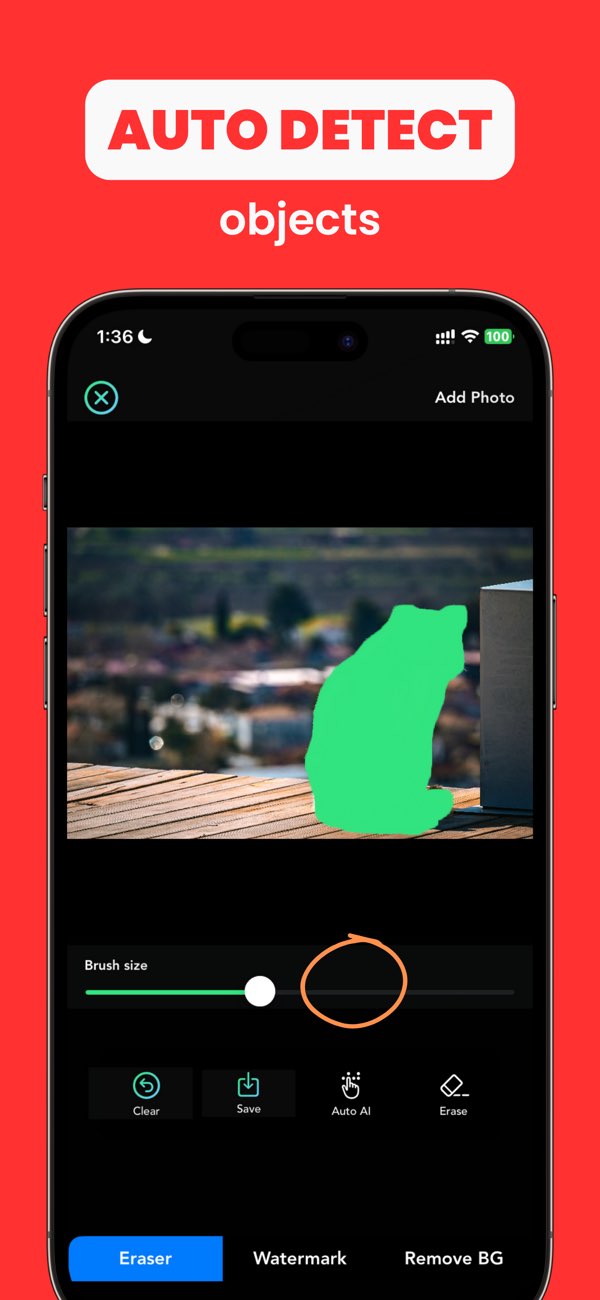
"Reduce distracting shadow without flattening the entire surface."
"Keep nearby lighting gradual and natural."
"Result should still look realistically lit."
Redo in smaller passes so the repaired region matches nearby brightness.
Blend the cleanup zone into surrounding gradients more gradually.
Repair boundaries after shadow cleanup so outlines remain coherent.
Yes. AnyErase can help reduce or remove distracting shadows when the edit area is controlled carefully.
Because light gradients are easy to overcorrect. Work in smaller sections and compare against nearby tones.
Often softening looks more natural than full removal, especially in scenes with obvious directional light.
Install Any Erase and repair distracting shadows with a more believable final result.