Target note
"Remove background clutter near product edges only."
Listing-focused photo workflow
Use this repeatable workflow to remove distractions, improve visual focus, and keep catalog images consistent.
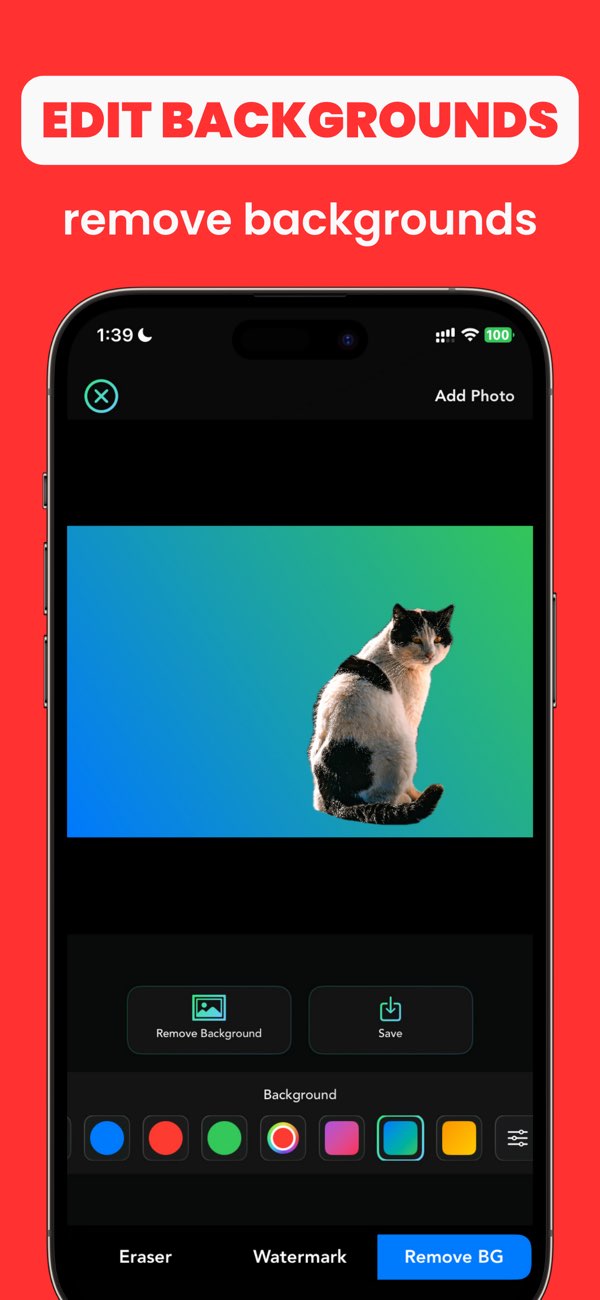
"Remove background clutter near product edges only."
"Keep product color and shape unchanged after cleanup."
"Result should look clean for ecommerce thumbnail and zoom view."
Undo and remask with tighter edge selection in smaller passes.
Compare to original image and limit edits to non-product areas.
Use one background style and one export review checklist for all products.
Yes. AnyErase can help remove distractions and tidy product backgrounds before upload.
Over-editing edges around the product. Keep masks tight and validate at full-screen.
Use the same framing, background tone, and export review checklist for each image.
Install Any Erase and produce cleaner, more consistent product photos directly on iPhone.