Remove edge distractions
Trim or erase objects near the border that make the frame feel accidental or messy.
Seller resource
Run this checklist before you upload listing images so your product stays clear, your background stays quiet, and your whole set feels more consistent.
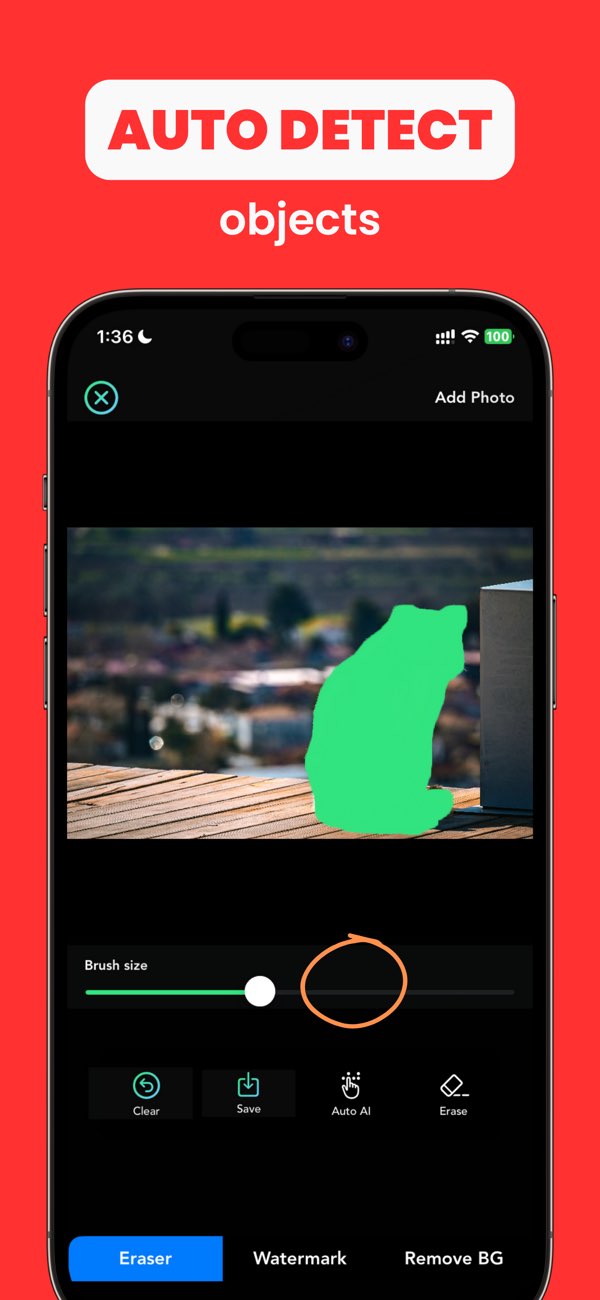
Trim or erase objects near the border that make the frame feel accidental or messy.
Reduce clutter so the product silhouette reads clearly even at smaller sizes.
Make your first image, detail shots, and alternate angles feel like they belong to the same listing.
Cluttered backgrounds, weak crop choices, inconsistent lighting, and distracting objects are among the most common issues.
Not necessarily, but the set should feel consistent. The main image especially needs a clean, easy-to-scan presentation.
Yes. It can help remove distractions, simplify backgrounds, and tighten the overall presentation before export.
Install AnyErase if you want to remove distractions, simplify backgrounds, and make Etsy listing photos feel more consistent before upload.