Focus note
"Remove props and clutter that do not help explain the item."
Etsy listing photo workflow
Use this workflow to remove distractions, keep the product shape clean, and make listing photos look more consistent across your shop.
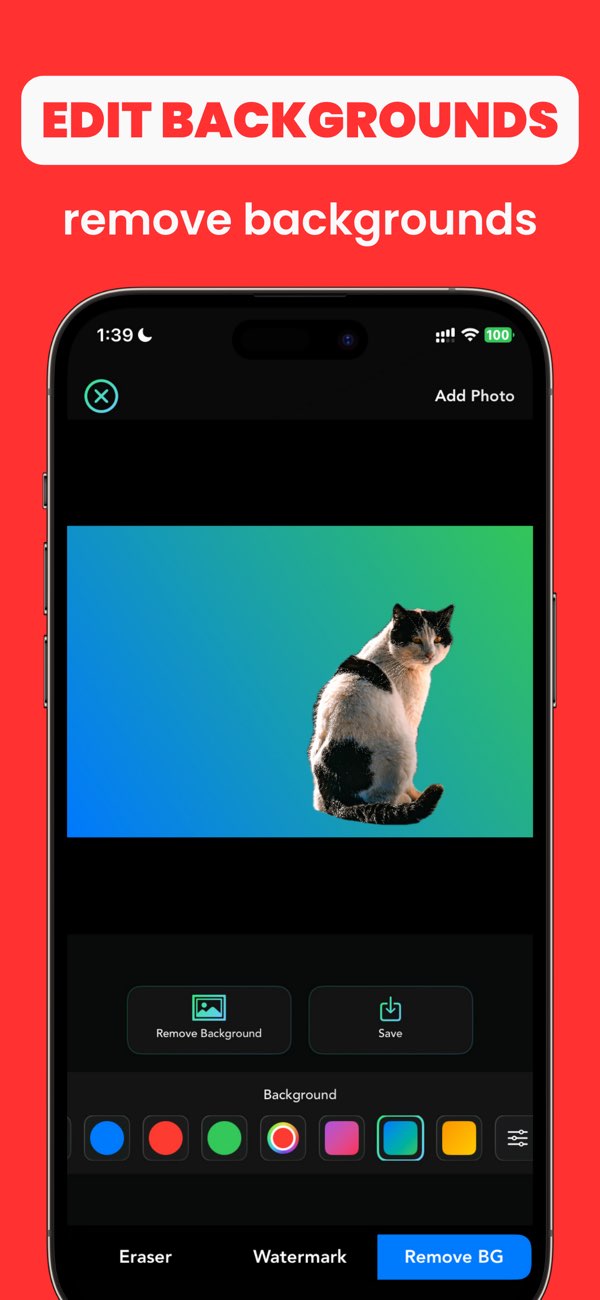
"Remove props and clutter that do not help explain the item."
"Keep background tone and framing aligned across the shop."
"Thumbnail should read clearly without distracting noise."
Undo and remask only non-product areas so the item shape stays accurate.
Use one cleanup standard for every image in the same shop section.
Clean secondary distractions after the main clutter is removed.
Yes. AnyErase can help clean backgrounds and remove small distractions before you upload product photos.
Over-editing the product edges. Keep edits focused on the background and clutter, not the item itself.
Use the same framing, background tone, and review checklist for each listing image.
Install Any Erase and turn rough product shots into cleaner listing images directly on iPhone.