Subject protection
"Preserve hair and thin edge detail around shoulders and hands."
Background removal workflow
Use this guide for profile photos, creator visuals, and product shots where a clean subject cutout matters.
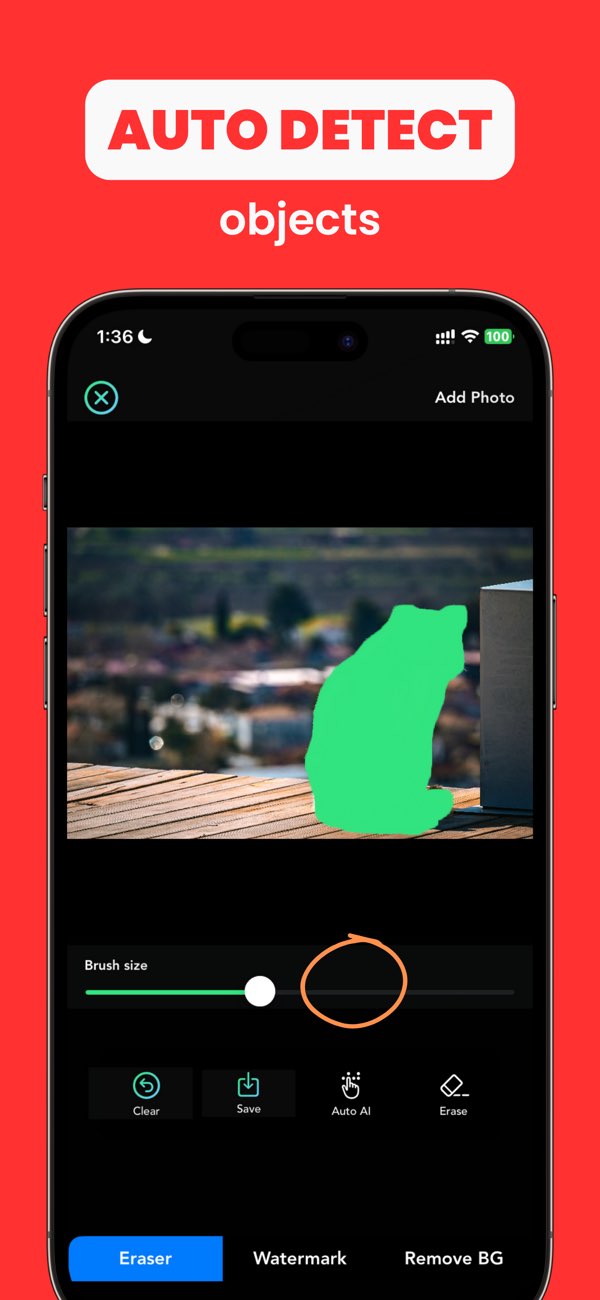
"Preserve hair and thin edge detail around shoulders and hands."
"Use neutral backdrop with similar lighting direction to source photo."
"No halo around subject when viewed on phone screen."
Reduce mask spill and refine edge transition in smaller sections.
Pick a replacement background with similar brightness and direction.
Rebuild edge areas with tighter mask correction before export.
Yes. AnyErase supports background removal and can help prepare clean profile visuals.
Complex boundaries need manual refinement after initial detection.
Match brightness, contrast, and color tone between subject and new background.
Install Any Erase and build cleaner background cutouts that hold up in real use.